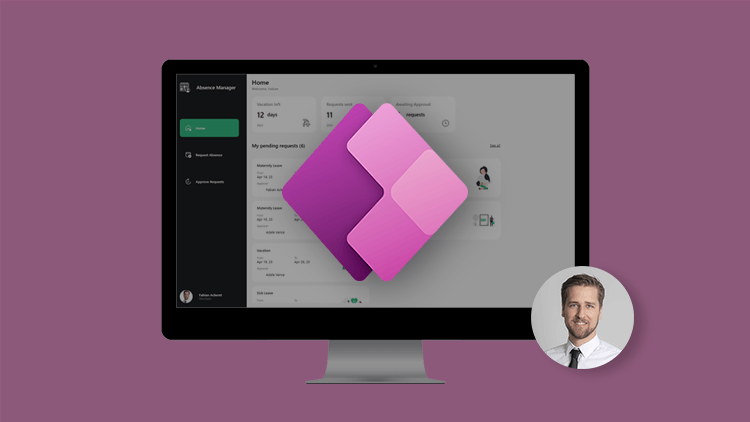
Power platform to the point

What modern Business platforms make possible
The Power Platform is made up of several integrated components that together form a flexible low-code environment. In the following overview, we show how the individual tools interact and the technological principles behind them.
The Power Platform is constantly evolving, from new connectors to AI integration. For specific use cases or in-depth technical advice, please do not hesitate to contact us.
Basics
Low-code as the basis for smart digitalization
Power Apps
With Power Apps, you can develop individual business applications with no or minimal code. The platform allows you to create custom forms, apps and workflows that integrate seamlessly with Microsoft 365 and other systems. As a result, processes can be digitized, automated and made more efficient - without long development cycles, but within weeks.
Advantages
Fast development of apps without traditional programming
Intuitive user interfaces for desktop and mobile
Seamless integration into Microsoft 365, Dataverse, SharePoint, Teams and many other applications
Simple connection of external data sources (e.g. SQL, SAP, Salesforce)
Reusable components and templates
Scalable from small tools to company-wide solutions
Improving efficiency and reducing manual processes
Power Automate
Power Automate enables the automation of recurring tasks and business processes - without any complex programming. Workflows can be created that connect systems, send notifications or process data. This increases efficiency and reduces human error.
Advantages
Automation of routine tasks and approval processes
Integration with over 1,300 data sources and systems
Reduction of manual interventions and sources of error
Increased productivity through time-controlled or event-based processes
Use of AI functions such as text recognition and email analysis
Simple creation thanks to low-code/no-code approach
Workflows can be used directly in Microsoft Teams, Outlook and SharePoint
Power Page
Power Pages enable the creation of externally accessible websites. Companies can use them to provide customers, partners or suppliers with secure self-service portals that access business data from the Microsoft Power Platform. This allows processes to be digitized beyond company boundaries.
Advantages
Creation of responsive websites with low-code tools
Access to business data via secure authentication
Integration with Microsoft Dataverse for central data storage
Ideal for customer, partner or supplier portals
Integration of forms, lists and workflows
Security and compliance through Microsoft standards
Power BI
Power BI is the business intelligence tool of the Microsoft Power Platform and enables the visual preparation and analysis of data. Users can create interactive dashboards and reports to monitor important key figures in real time. This makes data-based decisions easier, faster and more precise.
Advantages
Interactive dashboards and visual data analyses
Real-time access to data from various sources
Integration with Microsoft 365, Azure, Excel and other tools
User-friendly interface for self-service BI
Powerful filter and drill-down functions
Mobile access options for on the go
Support for automatic updating and notifications
Copilot Studio
With Copilot Studio, companies can develop AI-supported chatbots that can be used on websites, in Microsoft Teams or other channels. These bots answer questions, execute processes and relieve support teams. Thanks to integration with Power Automate and Dataverse, even complex processes can be mapped.
Advantages
- Use in Microsoft Teams, websites and other channels
Support from generative AI for natural dialogs
Integration with data sources and workflows via Power Automate
- Easy customization and expansion through visual interface
Scalable for internal and external scenarios
Governance App
A comprehensive governance solution for the Power Platform, comparable to the Center of Excellence - but without a premium license. The app offers central functions for managing, controlling and tracking Power Platform artifacts and supports companies in complying with internal guidelines.
Initial situation
Lack of transparency about created Power Platform artifacts and their business context
No uniform governance strategy or central overview
Center of Excellence requires expensive premium licenses
IT departments had no overview of critical applications and their compliance
Added value
No premium license required - fully functional with standard tools
Compliance forms for apps, flows and environments can be entered directly by users
Automatic or manual approval processes depending on criticality
Central overview of all Power Platform artifacts and environments
Manage app owners with just a few clicks
Dynamically generated compliance forms depending on the artifact type
Automatic notifications in the event of breaches of governance guidelines
Significant reduction of shadow IT and increase in operational security
For a deep Dive
Our courses with over 35,000 students
We have two bestselling courses to Power Apps and Power Automate which offer you detailed insights into the development of apps and automation. These courses are designed to deepen your knowledge and provide you with practical skills for implementing low-code solutions in practice.